Quote Management Set up
Visibility
click the Quote Management -> Click Visibility Then update Acive or Deactivate the Quote
From Builder
Click the Quote Management -> Click From Builder Then Add field the Quote
Like this :- 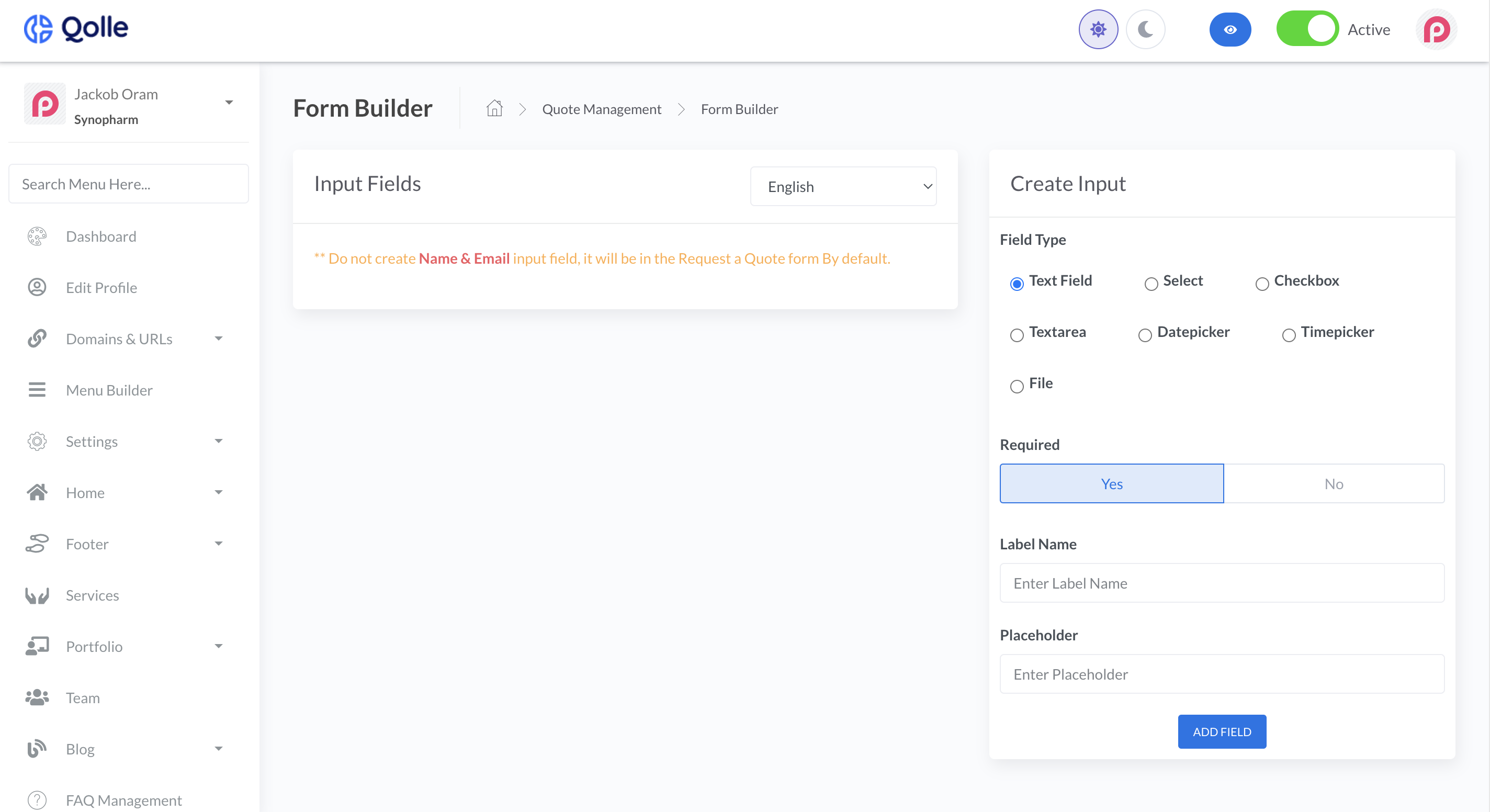
Quotes
Click the Quote Management ->
All Quotes
Click All Quotes You can see All quotes
Pending Quotes
Click Pending Quotes You can see Pending quotes
Processing Quotes
Click Processing Quotes You can see Processing quotes
Completed Quotes
Click Completed Quotes You can see All Completed quotes
Rejected Quotes
Click Rejected Quotes You can see All Rejected quotes